NoteLeaf for iPad and iPhone
Your notes,
beautifully handwritten.
Write with Apple Pencil on gorgeous paper, study smarter and keep it all in sync. Every feature is free.
Free, for real
Every feature. Free.
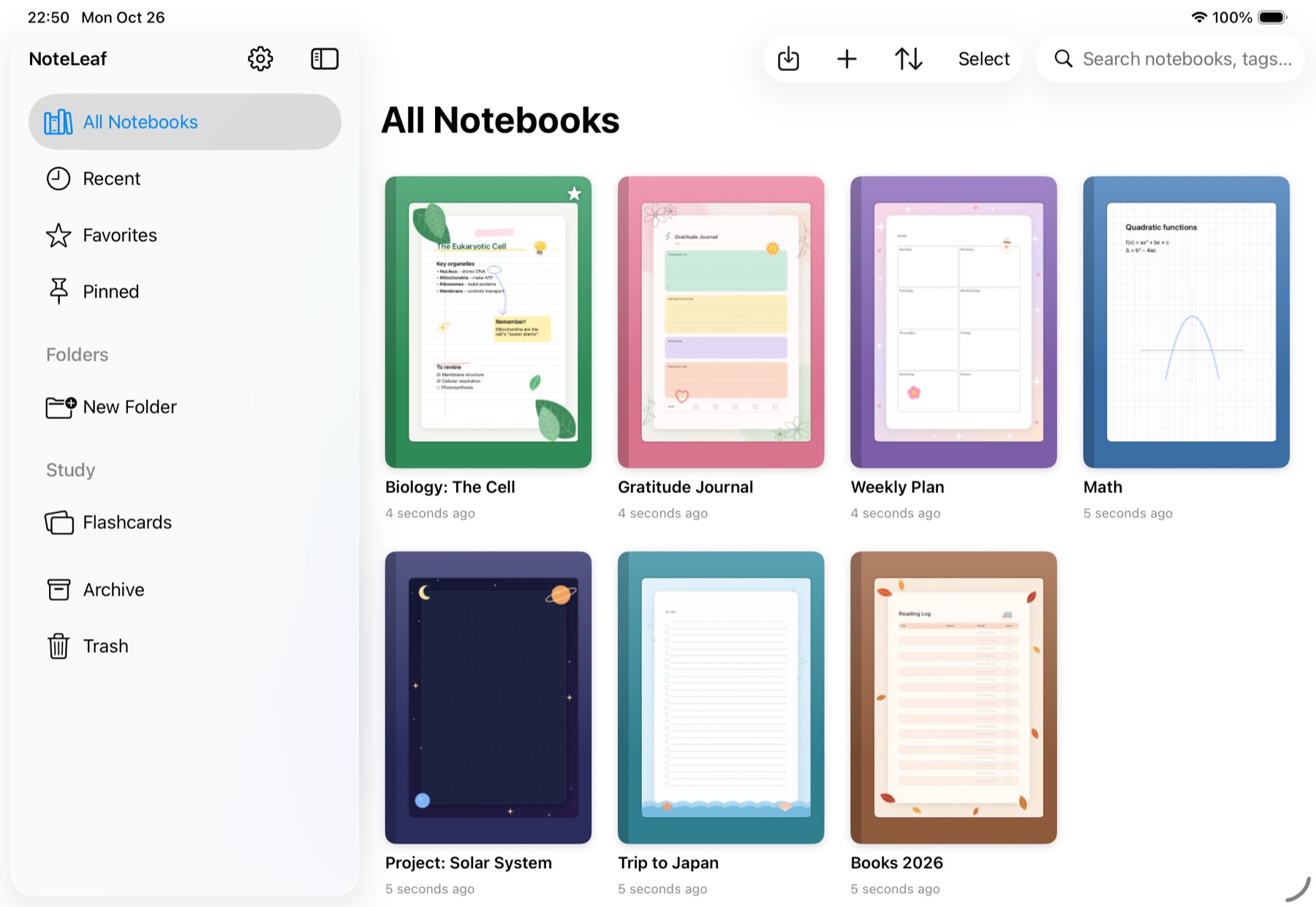
No paywalls inside your notebook. Every pen, template and study tool is included. If you would rather not see ads, one small subscription removes them, and that is the only thing it changes.
Handwriting
Write, sketch and think on the page.
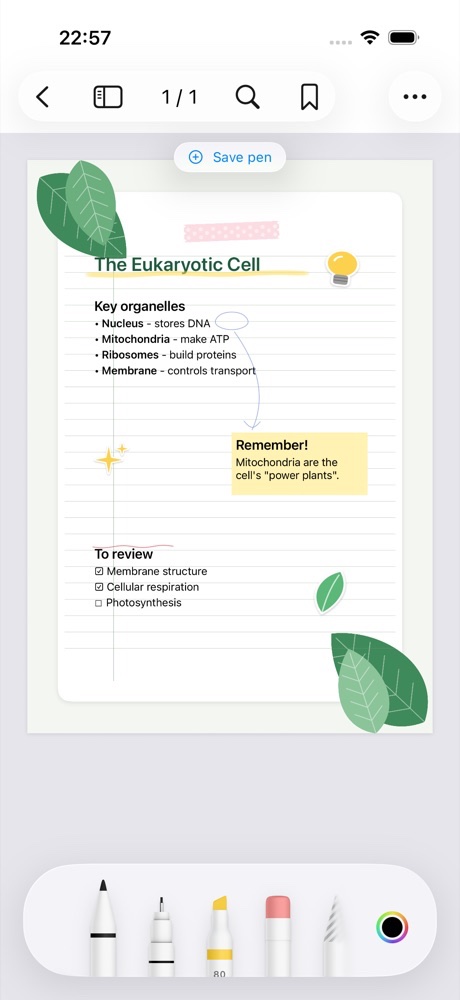
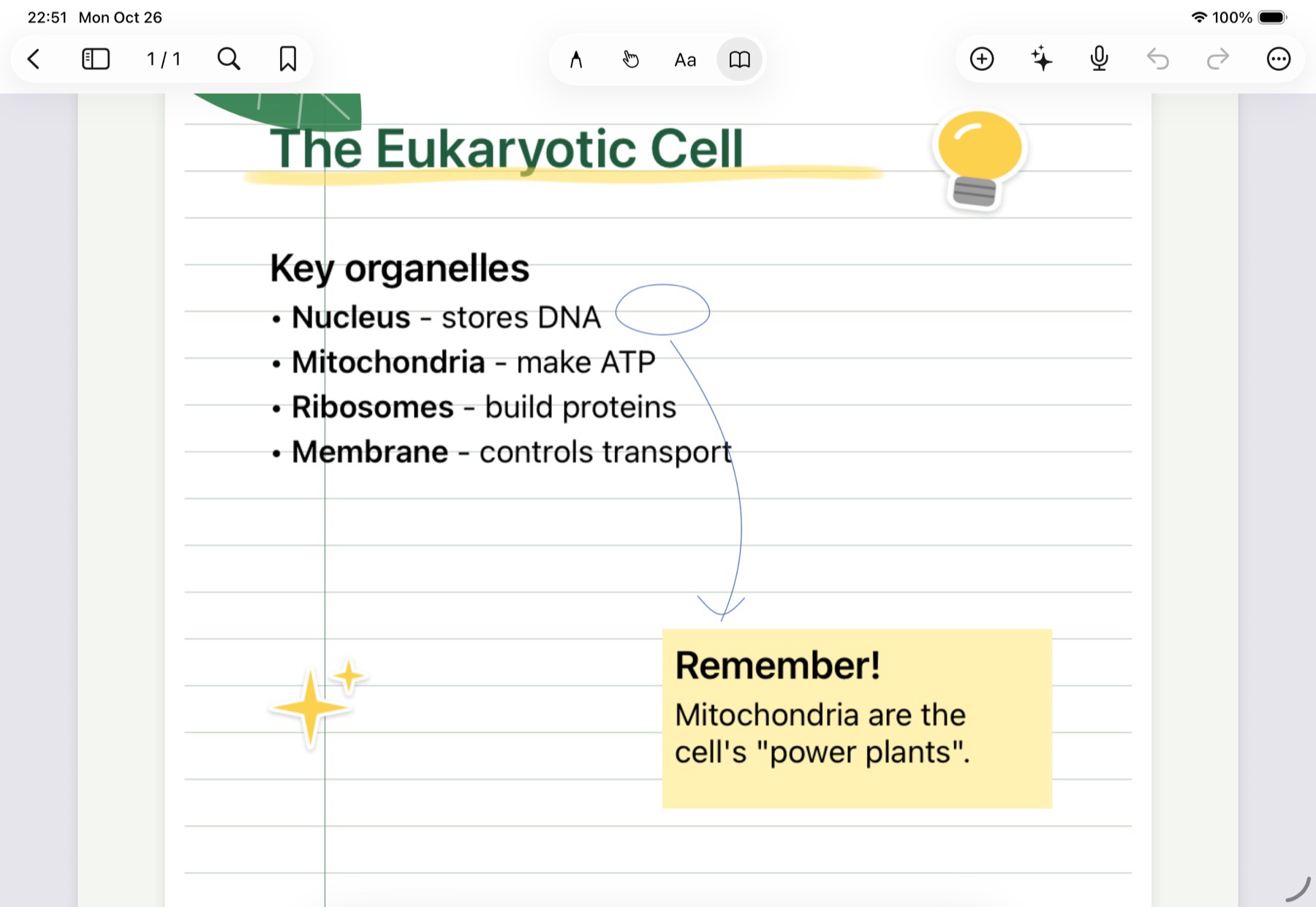
Mix handwriting with typed text, checklists, stickers and highlights on the same page. Circle a word, draw an arrow, add a note. NoteLeaf keeps it all exactly where you put it.
- Pressure- and tilt-sensitive Apple Pencil ink
- Typed text with headings, lists and checklists
- Lasso, move, resize and group anything
- Undo with two fingers, redo with three
Templates
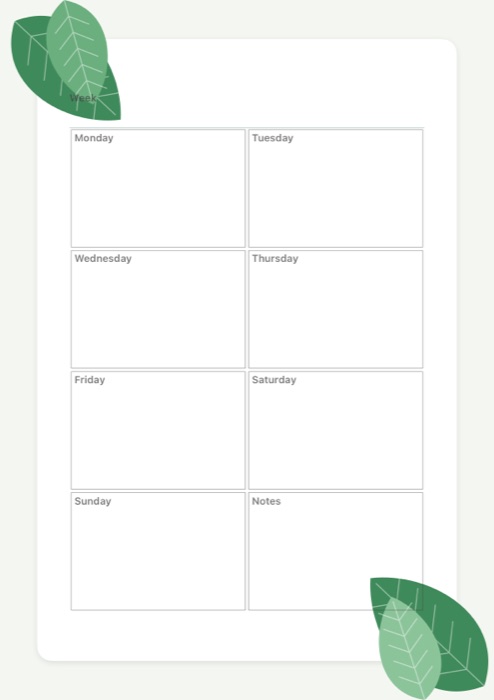
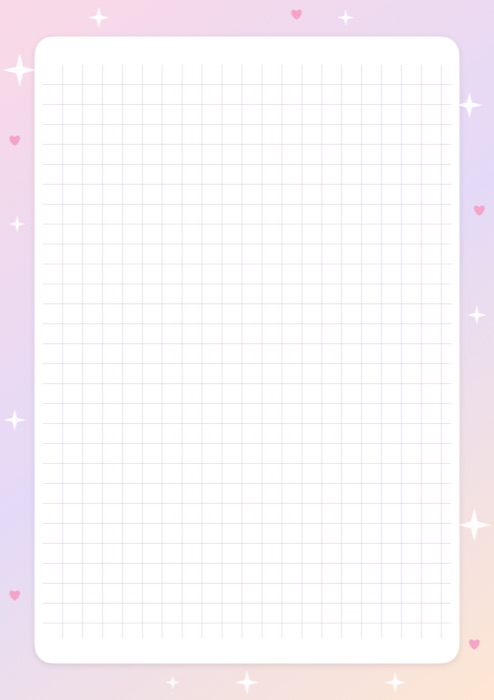
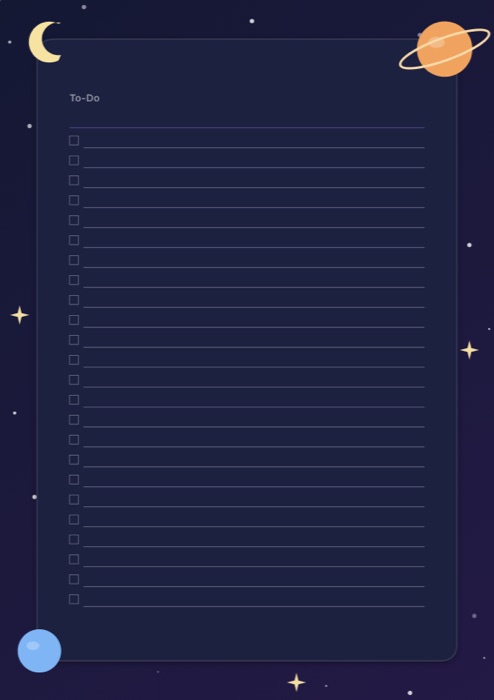
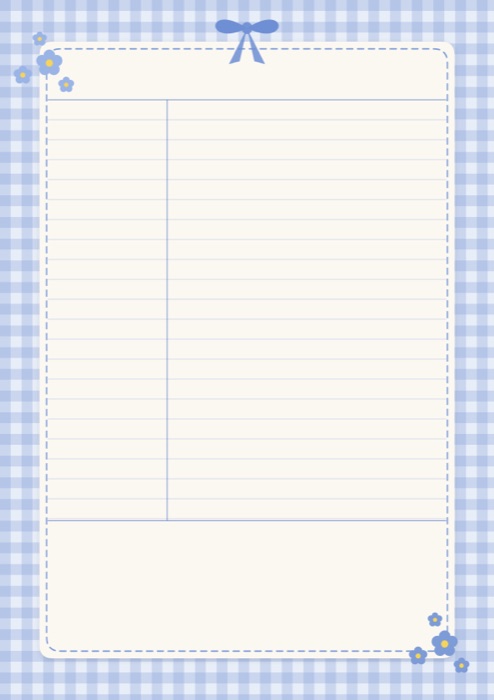
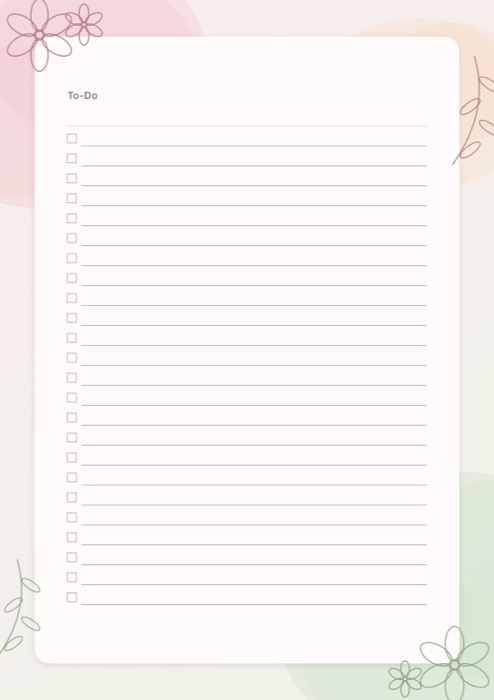
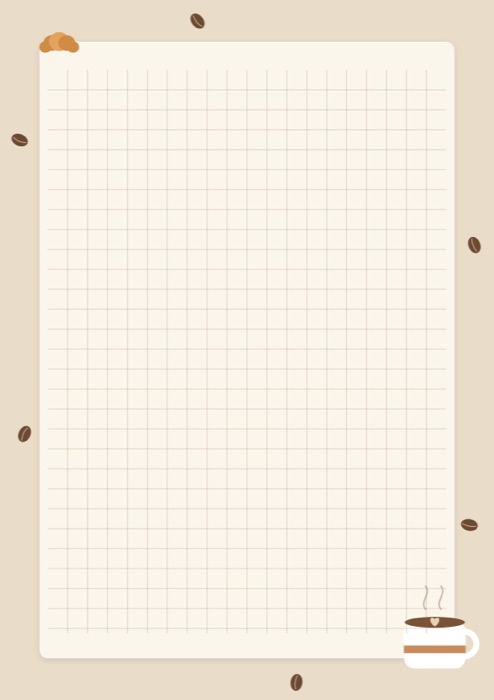
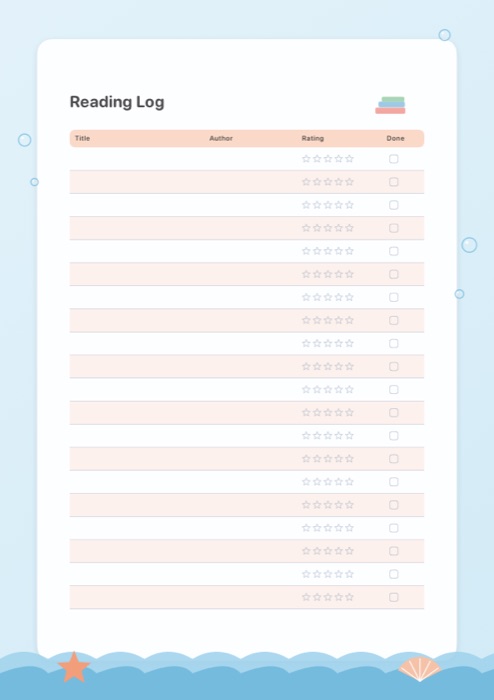
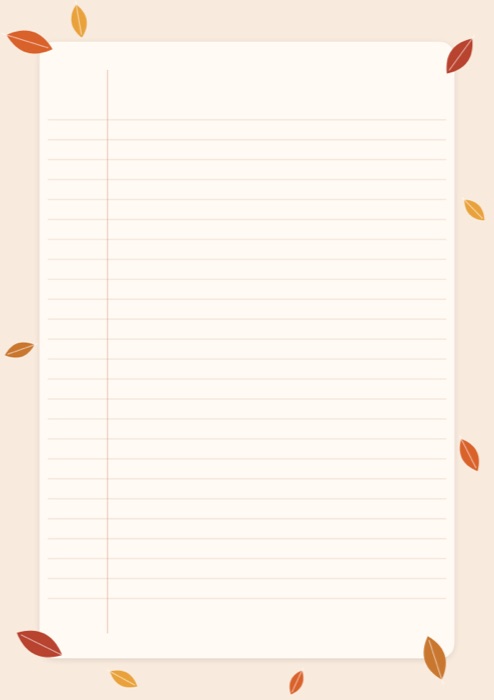
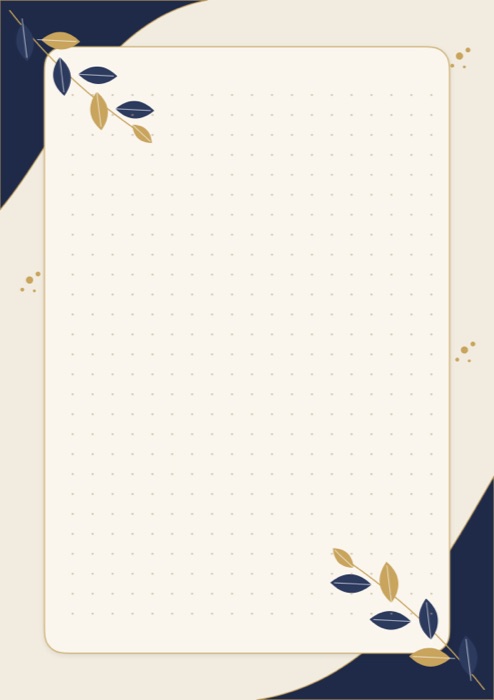
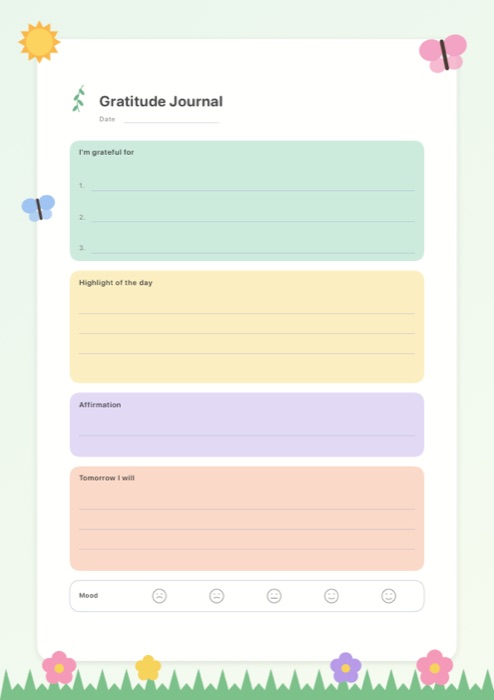
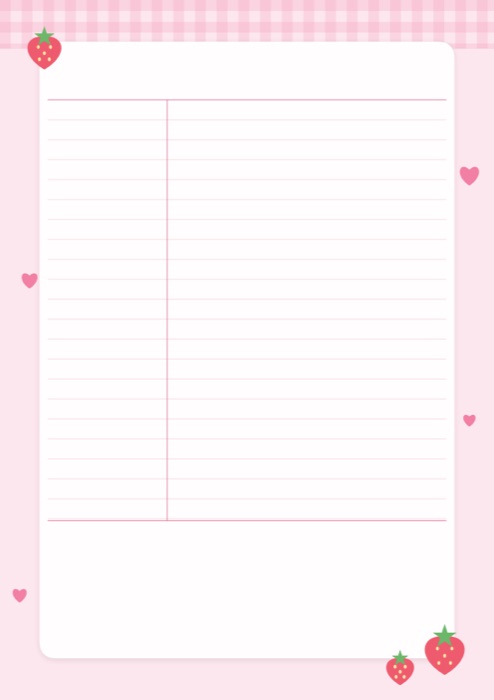
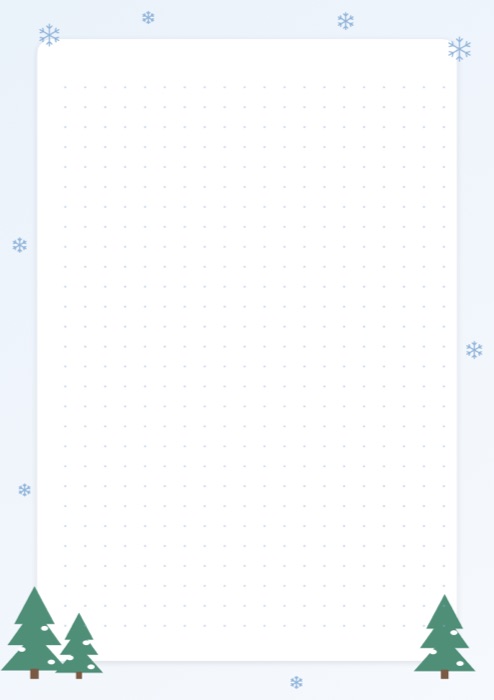
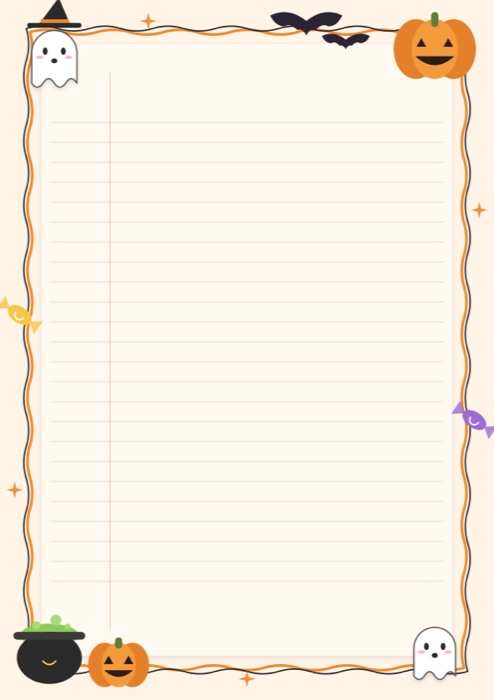
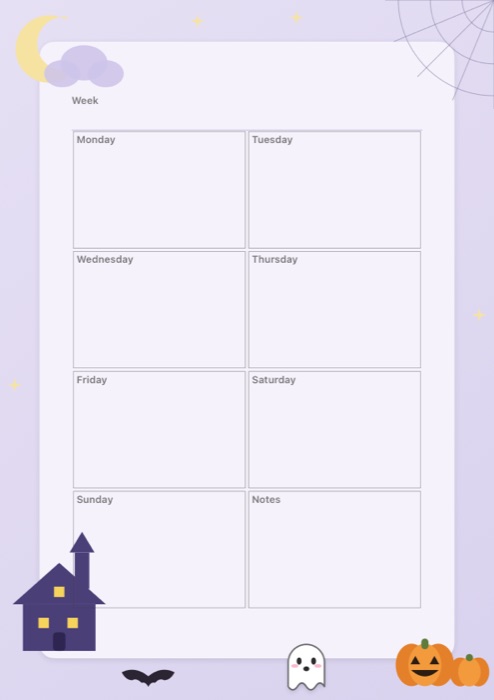
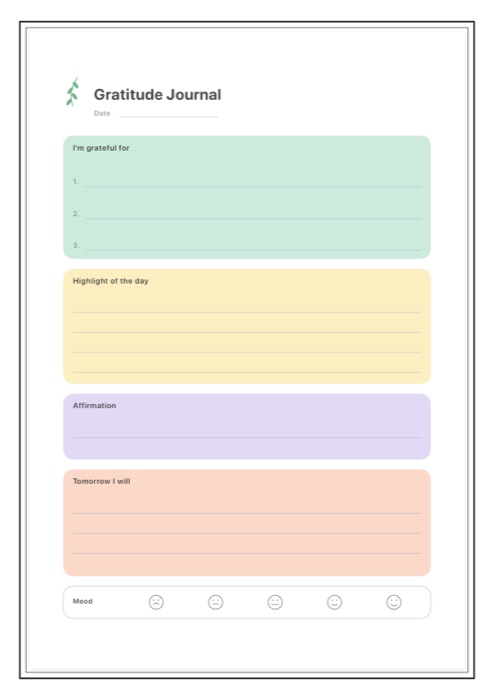
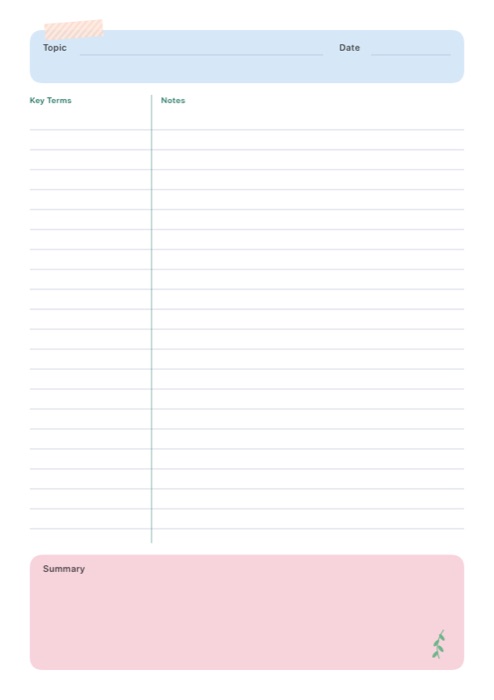
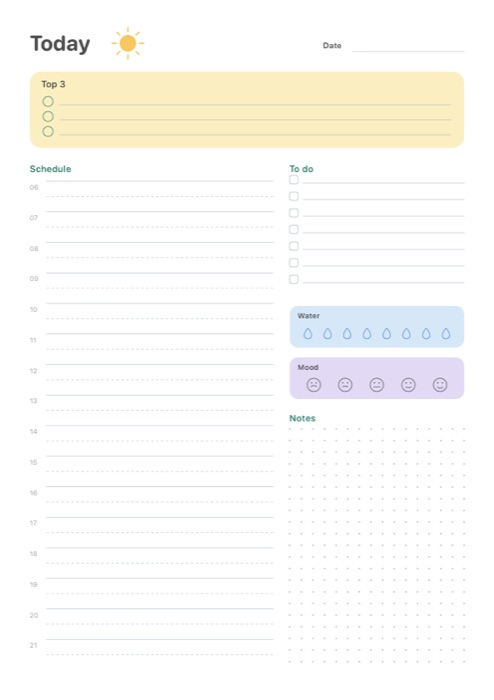
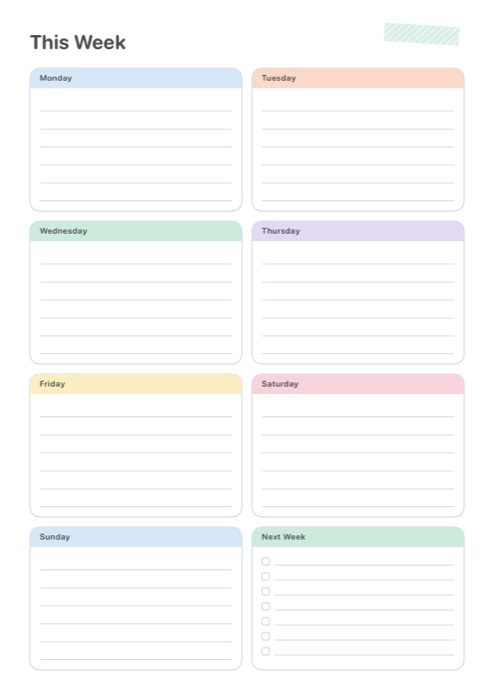
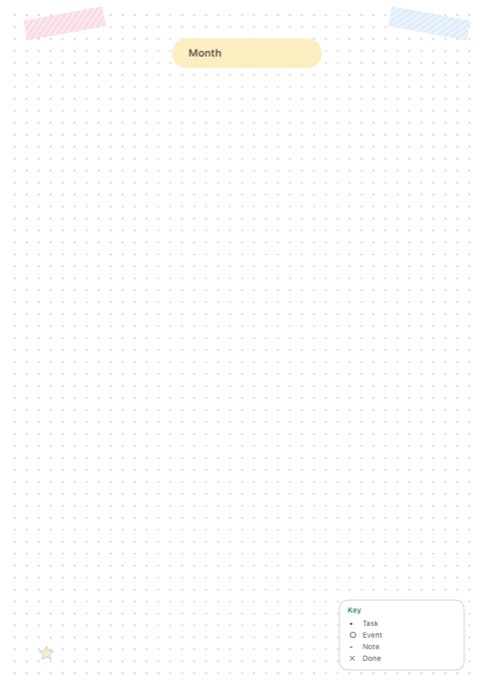
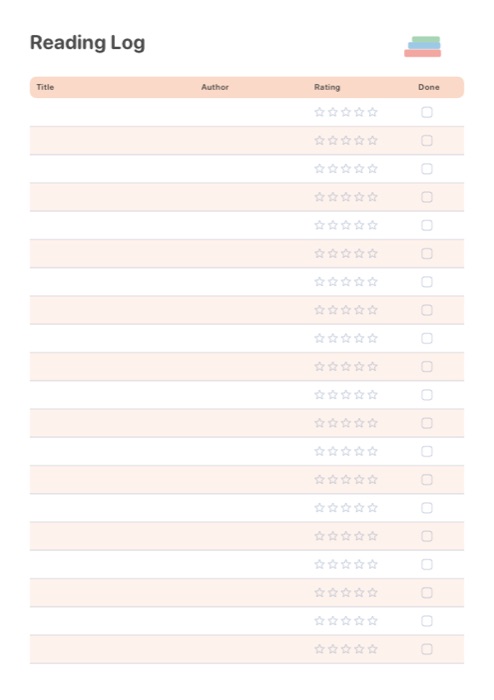
256 pages worth opening.
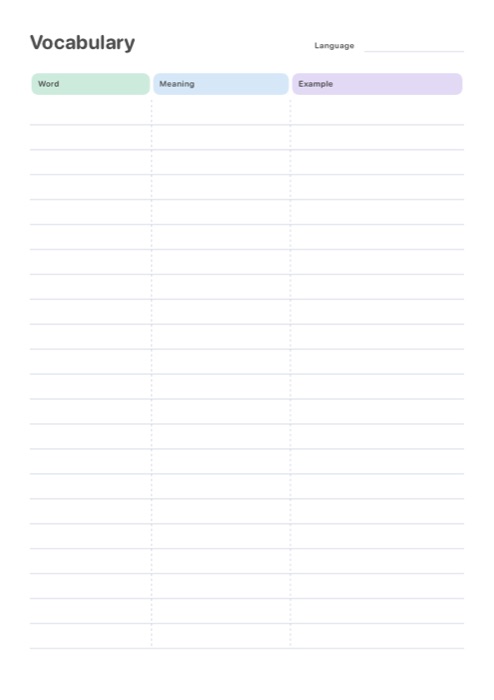
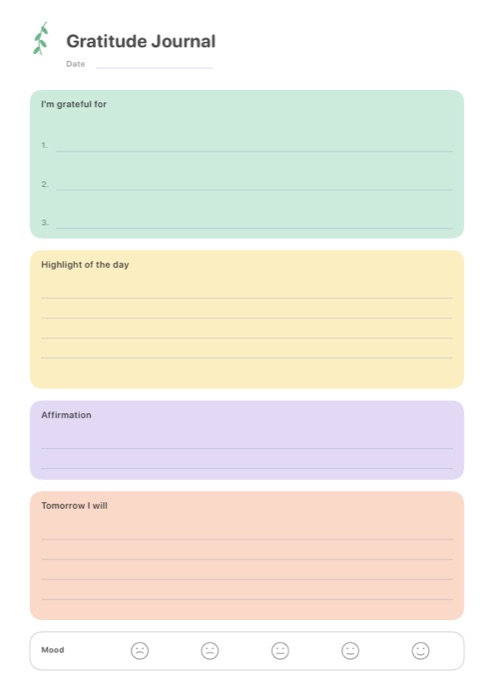
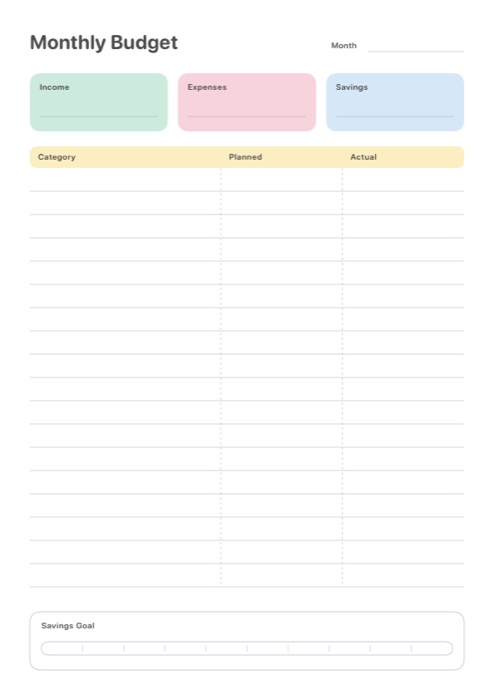
Sixteen illustrated themes for every layout, from lined and dotted paper to Cornell notes, planners and habit trackers. Plus hand-designed templates for studying, journaling and budgeting.
Study tools
From notes to knowing it.
Turn what you wrote into something you remember. Everything you need for exam season lives right next to your notes.
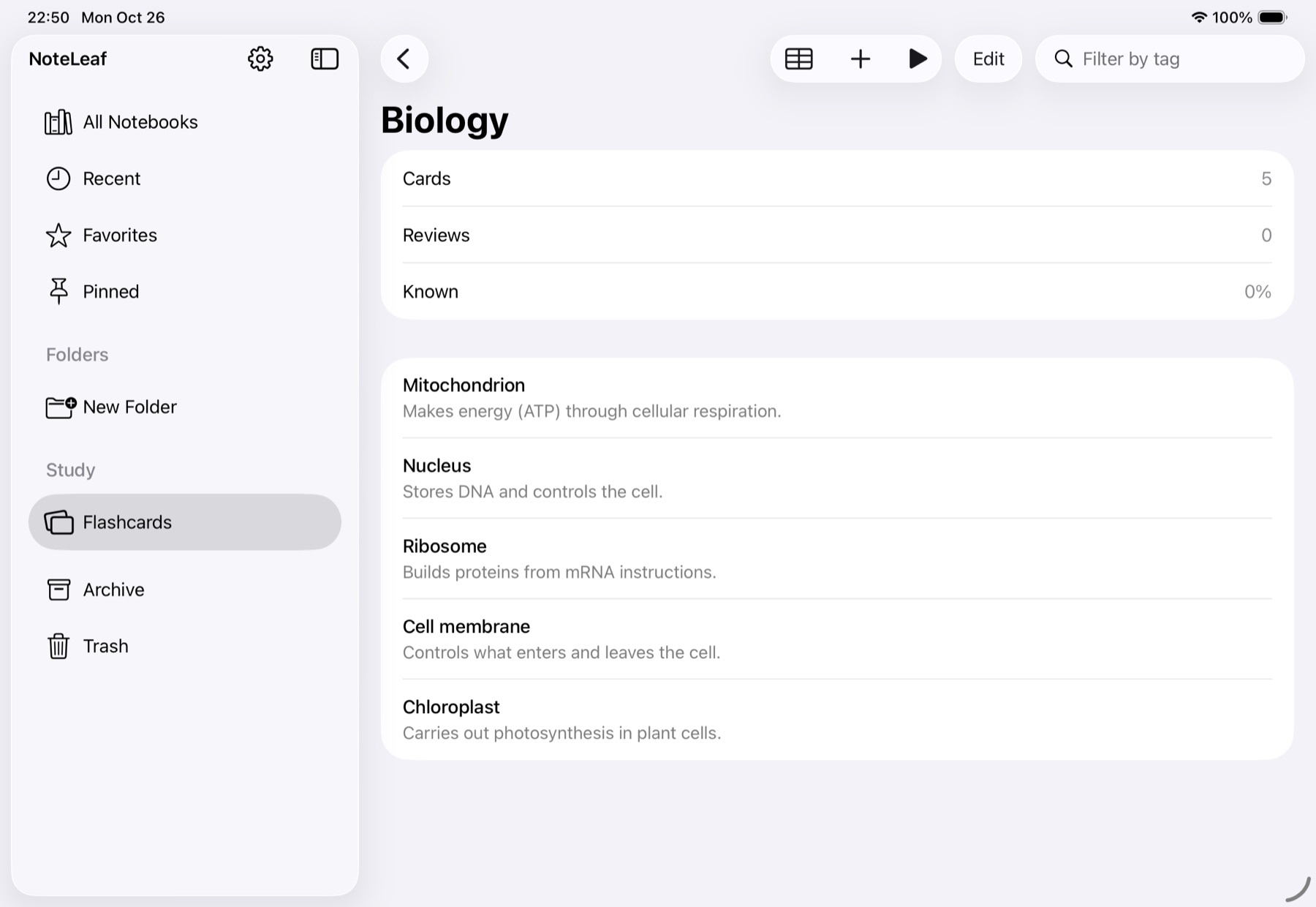
Flashcards
Decks with spaced review that brings back the cards you are about to forget.
Study mask
Cover answers with a mask pen and reveal them one by one to test yourself.
Excerpt cards
Frame any part of a page or PDF and collect it as a card linked back to its source.
Lecture replay
Replay your handwriting together with the recording, stroke by stroke.
Everything you need. Nothing in the way.
Ink that feels like paper
Pressure and tilt with Apple Pencil, eleven pen types from fountain to watercolor, and shapes that straighten when you hold.
PDFs, annotated
Import from Files or share straight to NoteLeaf. Highlight, write in the margins, export when you are done.
Record the lecture
Audio stays in sync with your handwriting. Tap a word you wrote to hear what was said at that moment.
Stickers and washi tape
Hand-drawn sticker packs, patterned tape and decorative pens for pages you will want to keep.
Find anything
Search typed text and PDFs across every notebook, then jump right to the page.
iPad and iPhone, in sync
An optional account keeps notebooks on all your devices. Sign in with Apple, Google or a one-time email code.
Works offline
Your library lives on your device first. No account, no connection needed to write.
Made for iOS 26
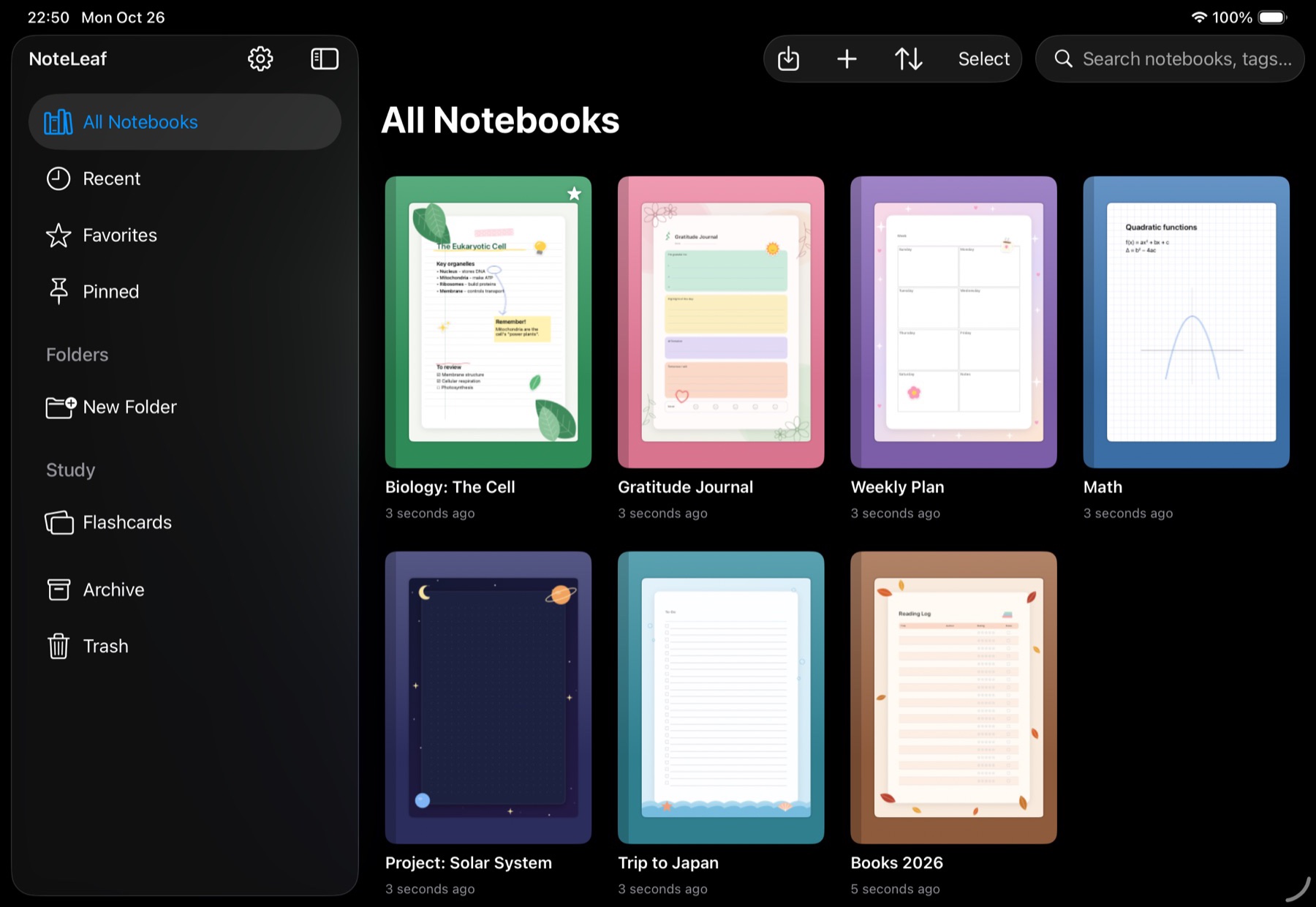
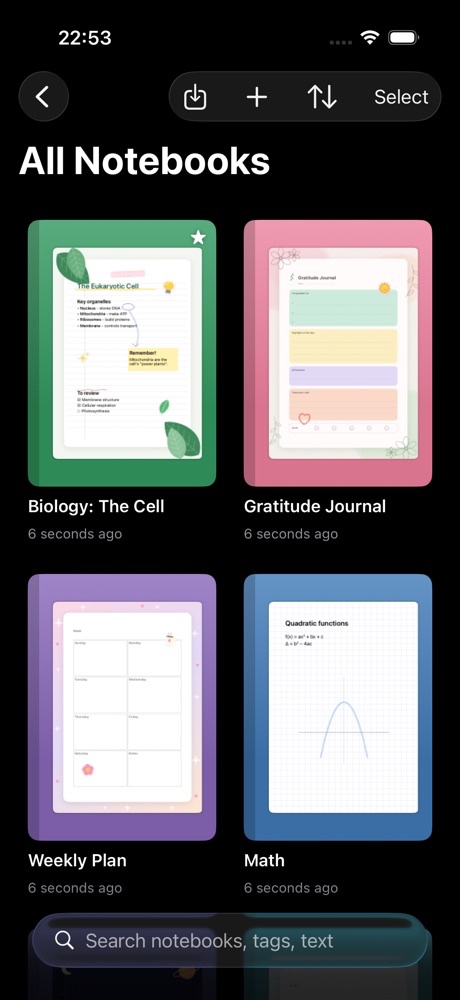
Liquid Glass toolbars and panels, Dark Mode and dark paper for late-night study.
Dark Mode
Beautiful after dark.
A library that glows, dark paper that is easy on the eyes, and PDFs that can flip to dark for reading at night. On iOS 26 every toolbar and panel is made of Liquid Glass.
An assistant, when you want one.
The optional AI add-on summarizes a page, explains a concept, translates, brainstorms and turns your notes into flashcards or a quiz. It only sees what you choose to send, and it asks before it does.
Private by design.
Your notes stay yours
Notes are never used for advertising or analytics, and never appear in our logs.
On your device first
Everything works without an account. Sync is optional and you can delete your account at any time.
No tracking
NoteLeaf does not track you across apps and websites, and ads are not personalized.
Recognition on device
Handwriting and speech recognition run on your iPad or iPhone.
Simple, honest pricing.
Start free. Pay only if you want fewer ads or an AI assistant.
Free
Everything included
- Every pen, template and study tool
- Sync across iPad and iPhone
- PDF import and export
- Ads outside your notebooks
No Ads
Monthly, 3 months or yearly
- Everything in Free
- No ads anywhere
- Supports development
AI Add-on
Monthly
- Everything in No Ads
- Summaries, explanations, translation
- Flashcards and quizzes from your notes
Prices are shown in the App Store in your local currency. Subscriptions are managed by Apple and can be cancelled at any time.
Questions
Is NoteLeaf really free?
Yes. Every note-taking, template and study feature is free. The free version shows ads outside your notebooks, never on the page while you write.
What does the No Ads subscription change?
It removes ads. That is all it does: no feature is held back for subscribers.
Do I need an account?
No. NoteLeaf works fully offline without an account. Create one only if you want sync and backup between iPad and iPhone.
What does the AI add-on do?
It can summarize a page, explain a concept, translate, and turn your notes into flashcards or a quiz. You choose what to send, it asks for consent first, and it includes No Ads.
Which devices are supported?
iPad and iPhone with iOS and iPadOS 18 or later. Apple Pencil is supported on iPad, and you can write with your finger on any device.
Turn the page.
NoteLeaf is coming soon to iPad and iPhone.